
 English (US)
 عربى
عربى italiana
setup the project environment is very easy , to set up the environment you have to enter some important pre project detail such as the employer of the...
Recent Articles
Have a look to our articles
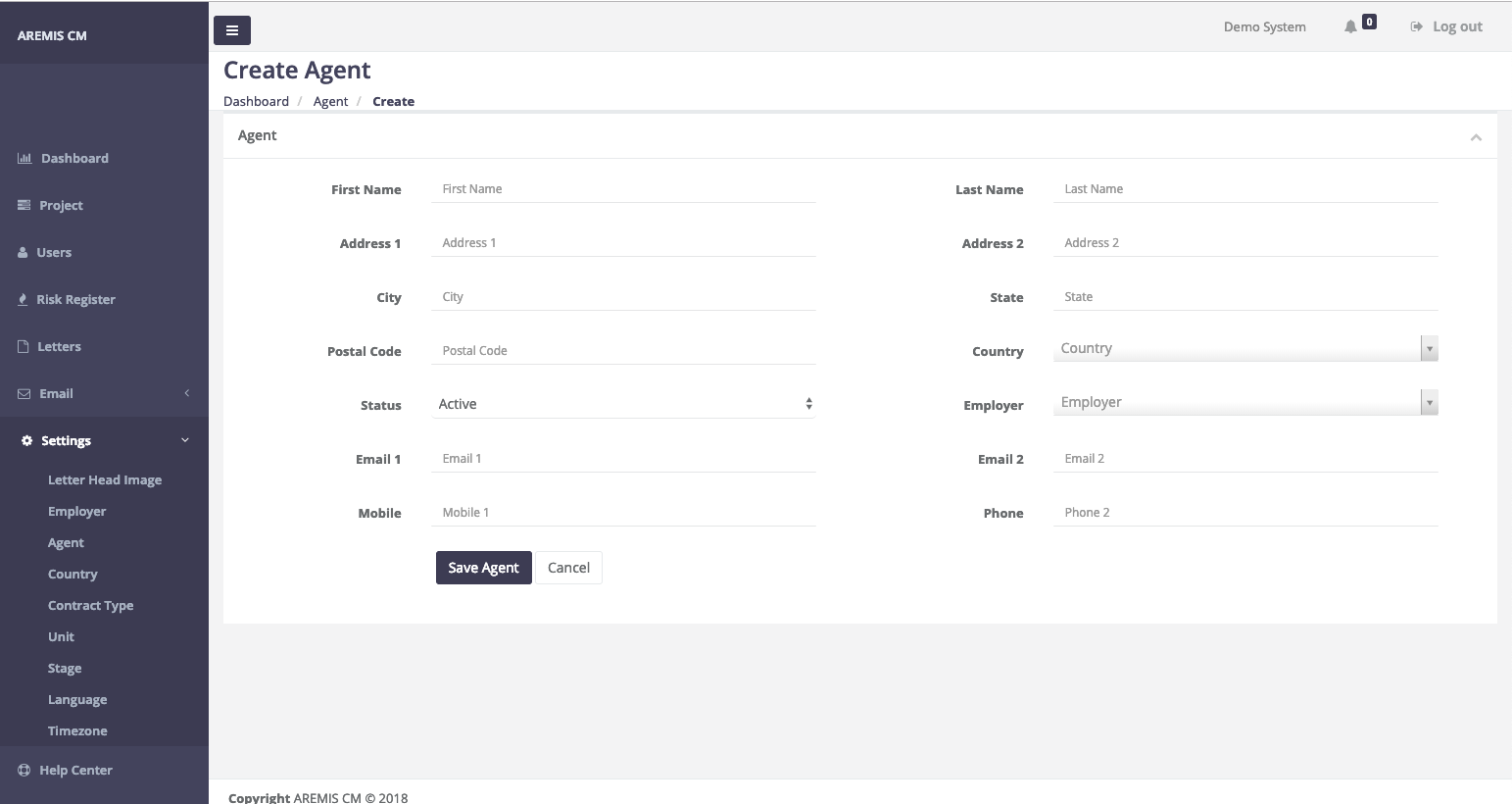
After entering the details click the save agent button. Other important sub menu under the setting menu are country and Contract Type, you can follow ...

User management table will show you all the available user records with the action button. Only the Director level user be able to edit current user o...

compensation event window will display the related diary information on the left of the screen, using this diary entry user can create the compensatio...
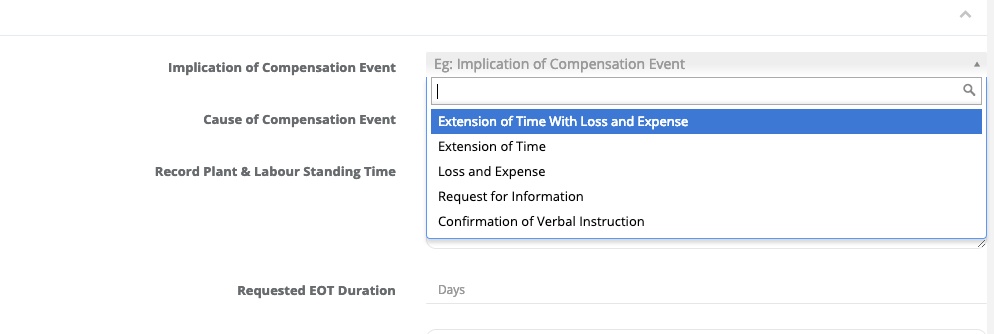
Implication of the compensation Event will automatically loaded by the system depend on your project contract and terms. Most of the cases there will ...
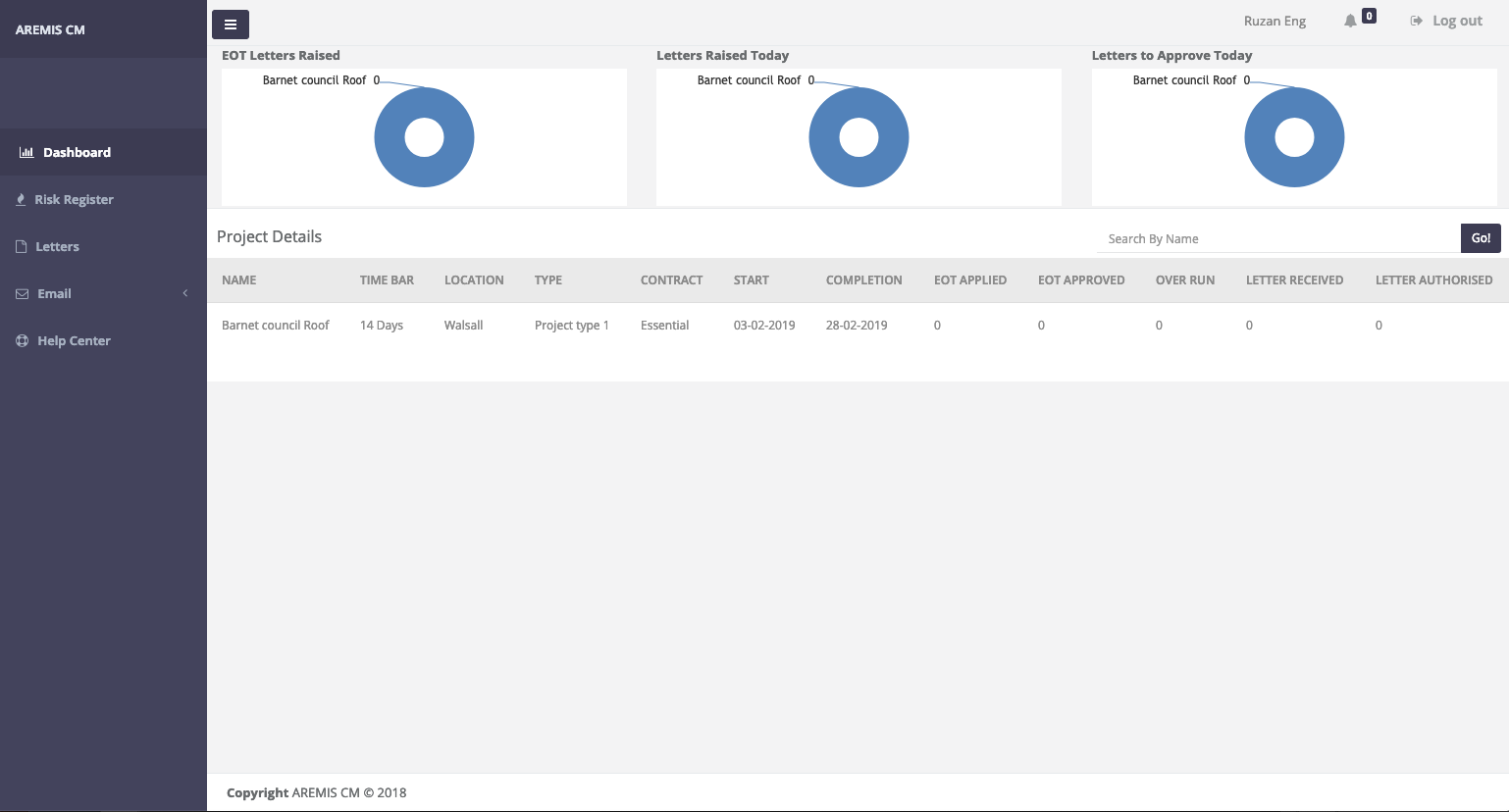
Above Image shows the dashboard of site Engineer view. Site Engineer will have the restricted dashboard view with all the necessary menu and view to c...